Open a Share Package
Open a Share Package someone sent you.
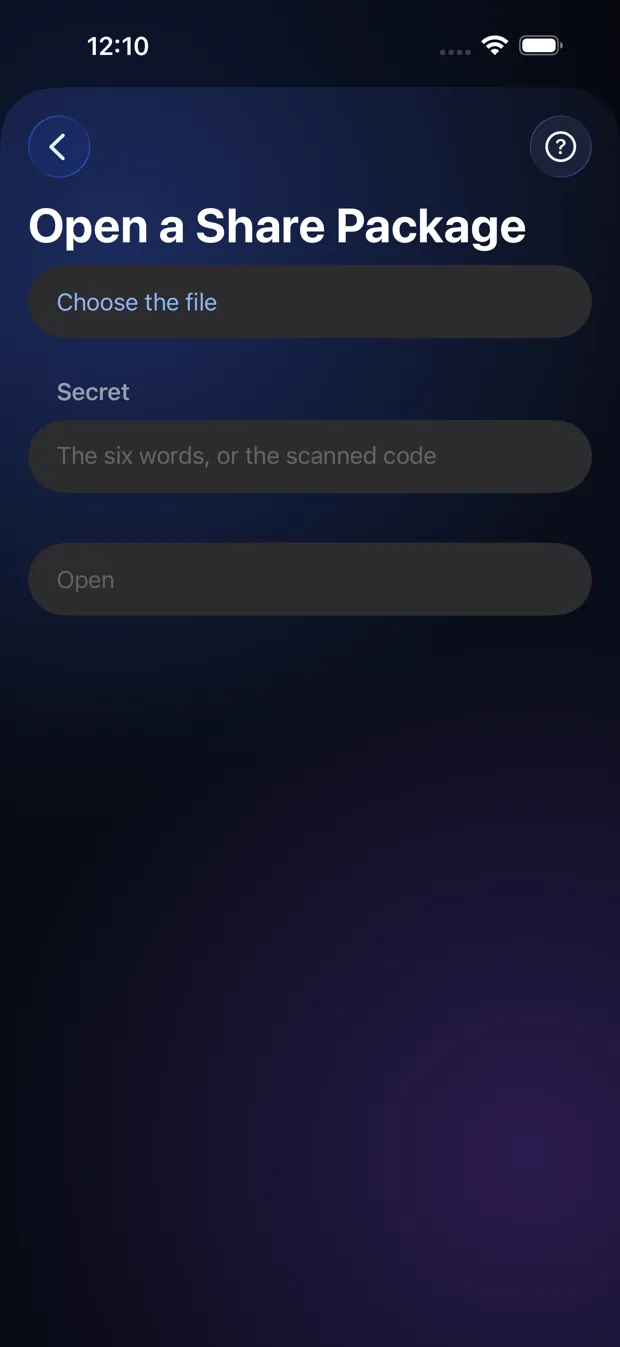
Step by step
- Open Settings, then Open a Share Package.
- Pick the file you were sent.
- Type the six words, or scan the QR code.
- The items are added to your Vault.
Good to know
- You need the six words or QR code from the sender. The file alone opens nothing.
- If the sender set limits, the app tells you what they are.
Other topics
- Welcome to StrongRoom
- Choose how to unlock
- Your recovery phrase
- Unlocking
- Forgot your unlock?
- Your Vault
- Folders
- Viewing items
- Settings
- Change your unlock
- More than one Vault
- Duress Vault
- Recovery PIN
- Export and restore
- Share items
- Open a Share Package
- StrongRoom Pro
Coming to the App Store. See what version 1.0 includes.