Forgot your unlock?
Use your recovery phrase or Recovery PIN to choose a new pattern or passphrase.
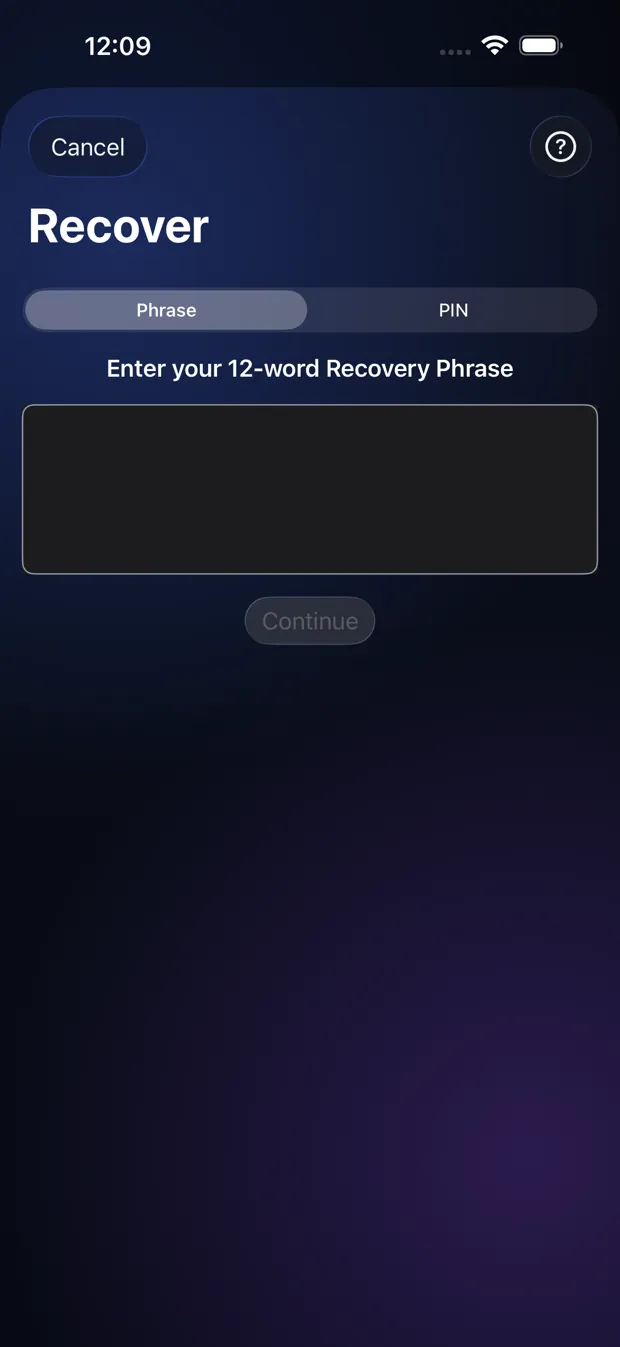
Step by step
- On the lock screen tap “Forgot your pattern or passphrase?”.
- Choose Phrase or PIN, and enter it.
- Choose a new pattern or passphrase and confirm it.
- Your Vault opens under the new unlock.
Good to know
- This works on the phone where the Vault was made.
- To open a Vault on a new phone you need an Export Package and the Recovery Phrase of that Vault. A Recovery PIN does not work there.
Other topics
- Welcome to StrongRoom
- Choose how to unlock
- Your recovery phrase
- Unlocking
- Forgot your unlock?
- Your Vault
- Folders
- Viewing items
- Settings
- Change your unlock
- More than one Vault
- Duress Vault
- Recovery PIN
- Export and restore
- Share items
- Open a Share Package
- StrongRoom Pro
Coming to the App Store. See what version 1.0 includes.